Skip to content
Fall Photo Editing Tips: Get Warm Golden Lightroom Tones

Fall Photo Editing Tips: Get Warm Golden Lightroom Tones

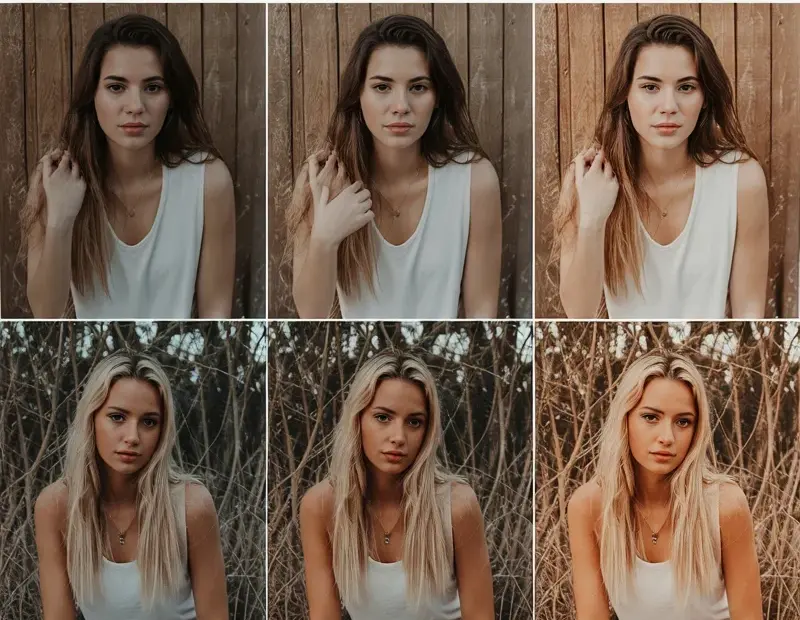
These photo editing tips give your fall photos that warm, cozy Lightroom look everyone loves. I boost the oranges and soften the highlights for a golden-hour vibe – perfect for pumpkin patch pics and leaf piles. Save this for your next autumn edit! πŸ‚

Aesthetic Photo Editing: How to Get Soft Moody iPhone Tones in 5 Steps

Aesthetic Photo Editing: How to Get Soft Moody iPhone Tones in 5 Steps

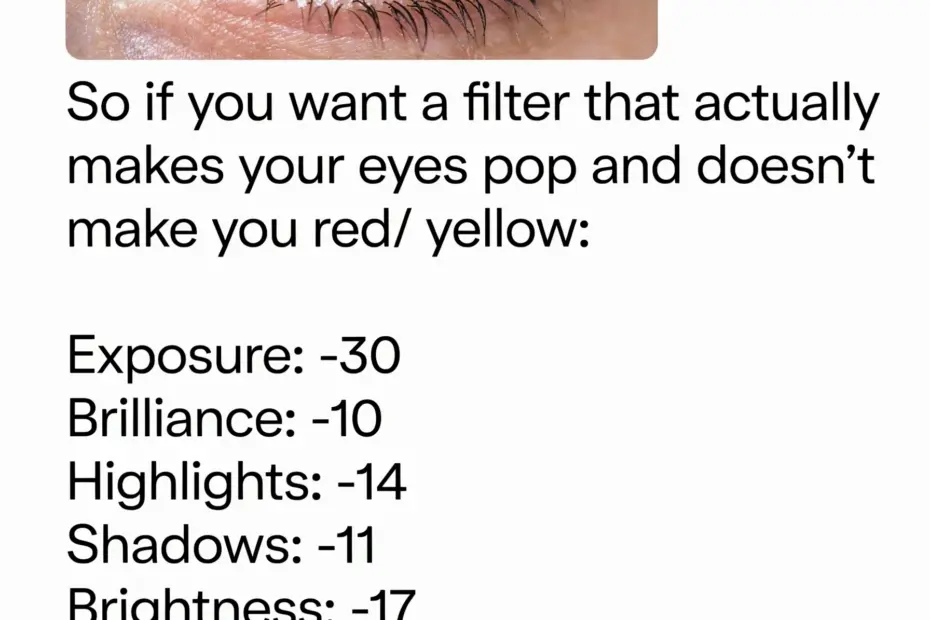
Aesthetic photo editing doesn’t have to be complicated. I’m showing you my go-to soft moody recipe for iPhone photos – lower exposure, lift shadows just a bit, drop contrast, then add a hint of warm haze. Perfect for that nostalgic film look. Save this for your next photo dump! πŸ“Έ

How to Get the Hawaii Vacation Aesthetic in Your Photos | Easy Tropical Editing

How to Get the Hawaii Vacation Aesthetic in Your Photos | Easy Tropical Editing

You don’t need to be in Hawaii to get that tropical aesthetic in your photos. Here’s a quick how-to: crank up the warmth, boost the greens, add a soft golden glow to highlights. It gives any travel pic major aloha vibes – perfect for your vacay memories or just dreaming of paradise 🌴 Try it on your next shot! #travelediting #tropicalvibes #hawaiiphoto #photographytips #lightroom

Cinematic Lightroom Preset | Exact Color & Light Adjustments: TEMP +5, TINT -20, SHADOWS +60

Cinematic Lightroom Preset | Exact Color & Light Adjustments: TEMP +5, TINT -20, SHADOWS +60

This cinematic Lightroom preset guide shows exact color and light adjustments for a professional film look. Color settings: TEMP +5, TINT -20, saturation 0, vibrance 0. Light settings: exposure +0.20, shadows +60, highlights -75, contrast +45, whites +2. Ideal for consistent movie-style photo editing. Save this preset guide for your next photoshoot. #CinematicLightroom #LightroomEditing #FilmPreset #PhotoColorCorrection #PhotographyTips