Skip to content
Aesthetic Photo Editing: How to Get Soft Moody iPhone Tones in 5 Steps

Aesthetic Photo Editing: How to Get Soft Moody iPhone Tones in 5 Steps

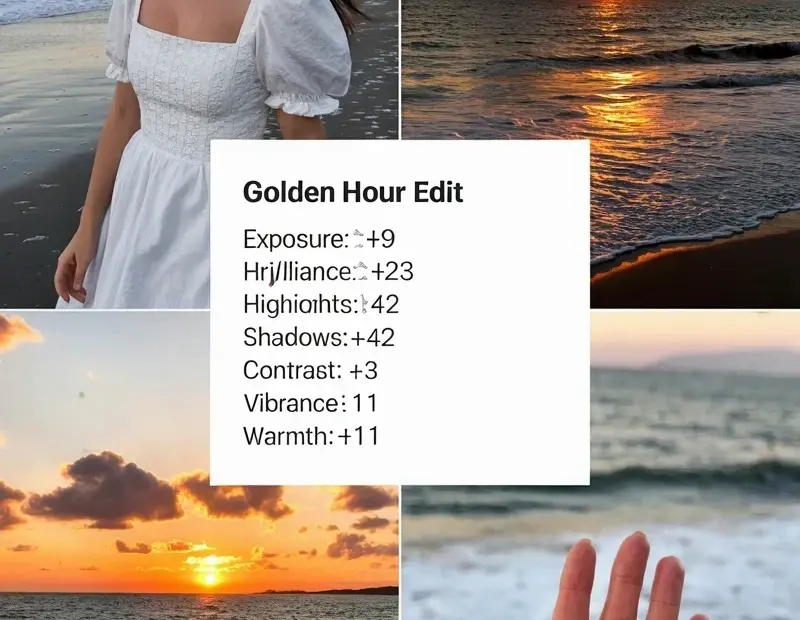
Aesthetic photo editing doesn’t have to be complicated. I’m showing you my go-to soft moody recipe for iPhone photos – lower exposure, lift shadows just a bit, drop contrast, then add a hint of warm haze. Perfect for that nostalgic film look. Save this for your next photo dump! πŸ“Έ

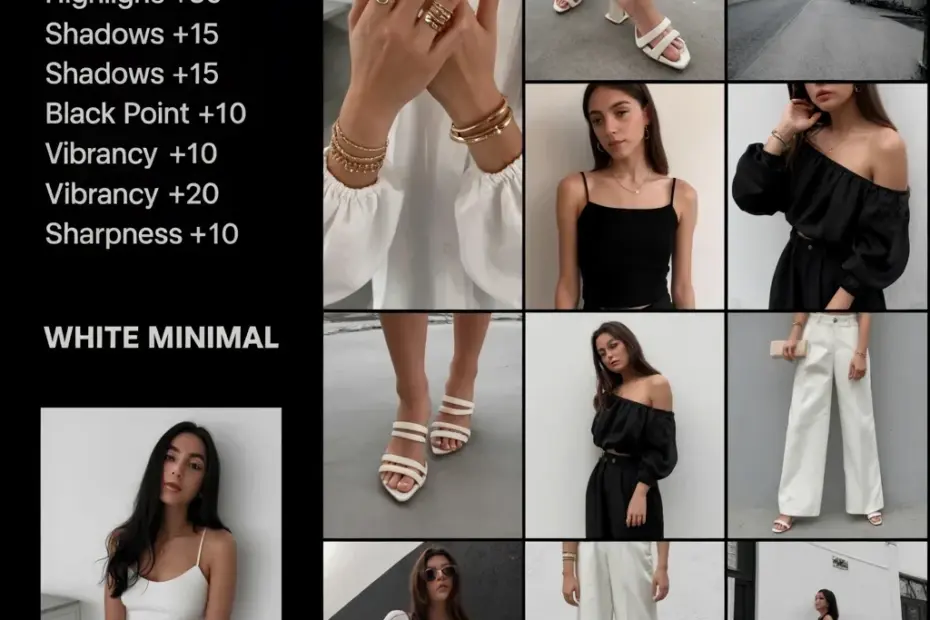
Want that dreamy white minimal filter? Here's how I do it for free πŸ’Έ

Want that dreamy white minimal filter? Here’s how I do it for free πŸ’Έ

I love the white minimal filter aesthetic but buying presets adds up fast. So I figured out how to recreate it in Lightroom for free – just adjust exposure up a bit, drop contrast, and tweak the whites. It’s super easy and saves you money! Try it on your next photo. πŸ“Έ #whiteminimalfilter #lightroomfreetips #budgetphotography #minimalstyle #phototips

aesthetic photo editing before and after – how to get that soft dreamy look

aesthetic photo editing before and after – how to get that soft dreamy look

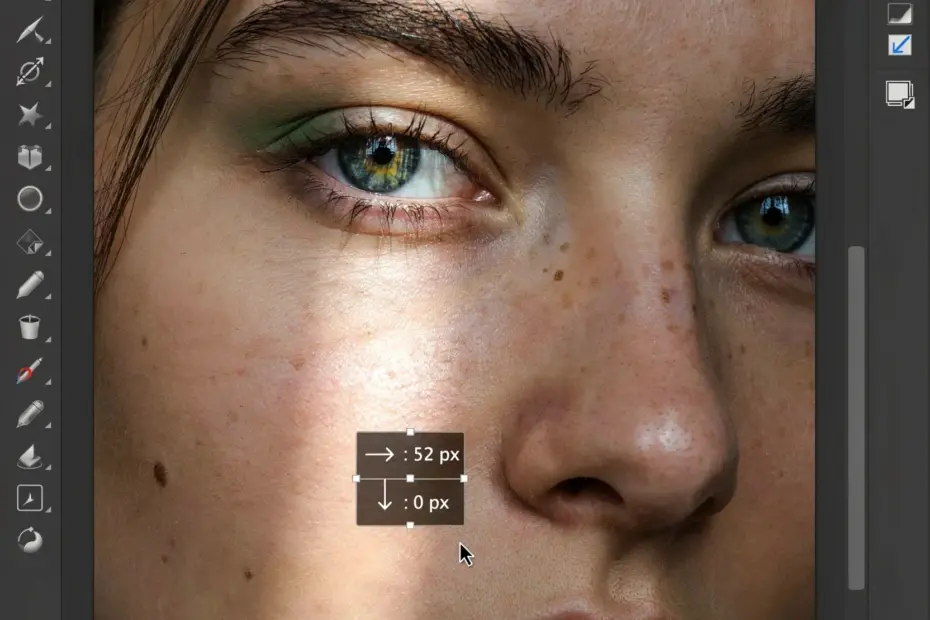
this is my aesthetic photo editing before and after for a moody portrait. i tweaked the greens and added a subtle haze – nothing too complicated, just some basic curves and a custom preset i built. honestly it’s all about balancing highlights and shadows to get that gentle film vibe. wanna try it yourself? save this pin for later 🌿 #aestheticphotography #beforeandafter #photoeditingtips #moodyedits #filmstyle