Skip to content
Dark Warm Preset Settings: Lightroom Exposure & Color Hue Guide

Dark Warm Preset Settings: Lightroom Exposure & Color Hue Guide

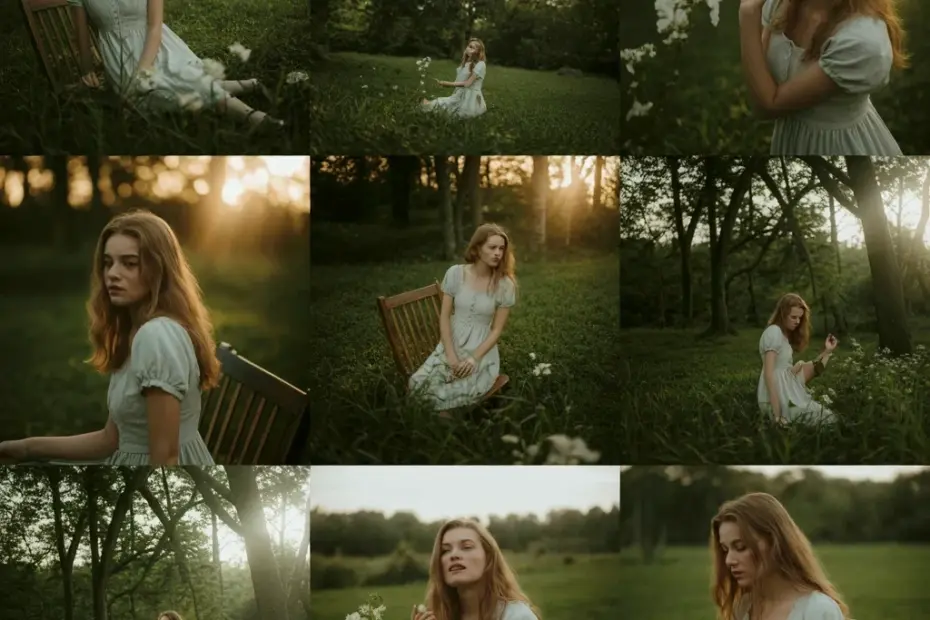
This dark warm preset guide shows the exact exposure and color adjustments for a moody edit. With exposure -0.67, contrast +9, shadows -70, and blacks -17, plus red, orange, and yellow hue/saturation tweaks. Perfect for photographers wanting a warm, dramatic look. Save this for your next editing session. #DarkWarmPreset #LightroomPreset #PresetGuide #EditingTips #PhotographyTutorial

Avoid this mistake in your old money aesthetic mirror selfie

Avoid this mistake in your old money aesthetic mirror selfie

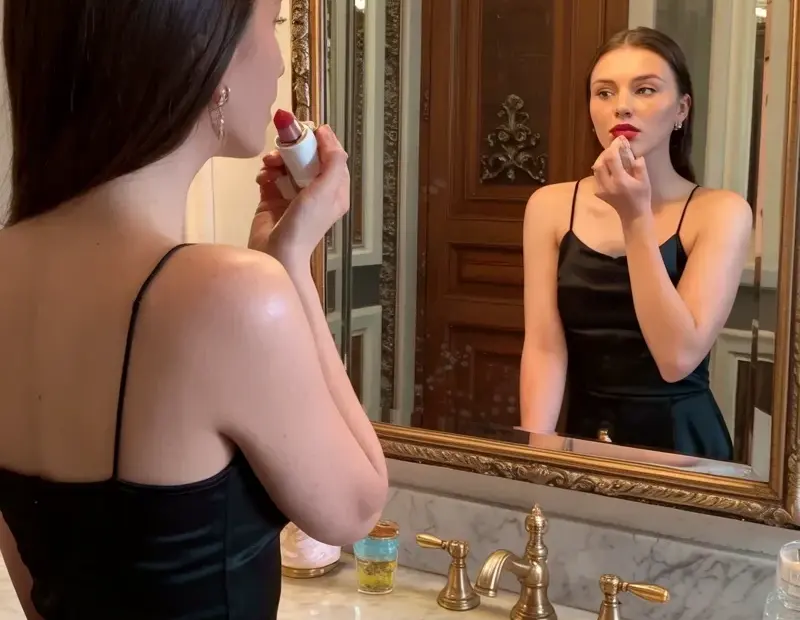
The biggest mistake I see in old money aesthetic mirror selfies is ignoring the lighting. This photo shows how warm, golden tones (from the bathroom’s gold faucets and mirror frame) can elevate the vibe. I apply lipstick in front of the ornate mirror, and the key is to avoid harsh shadows by using soft, diffused light. My Lightroom preset tweaks the warmth and contrast to match that rich, elegant feel. Try playing with your color temperature to get this look. #oldmoneyaesthet

Cinematic Lightroom Preset | Exact Color & Light Adjustments: TEMP +5, TINT -20, SHADOWS +60

Cinematic Lightroom Preset | Exact Color & Light Adjustments: TEMP +5, TINT -20, SHADOWS +60

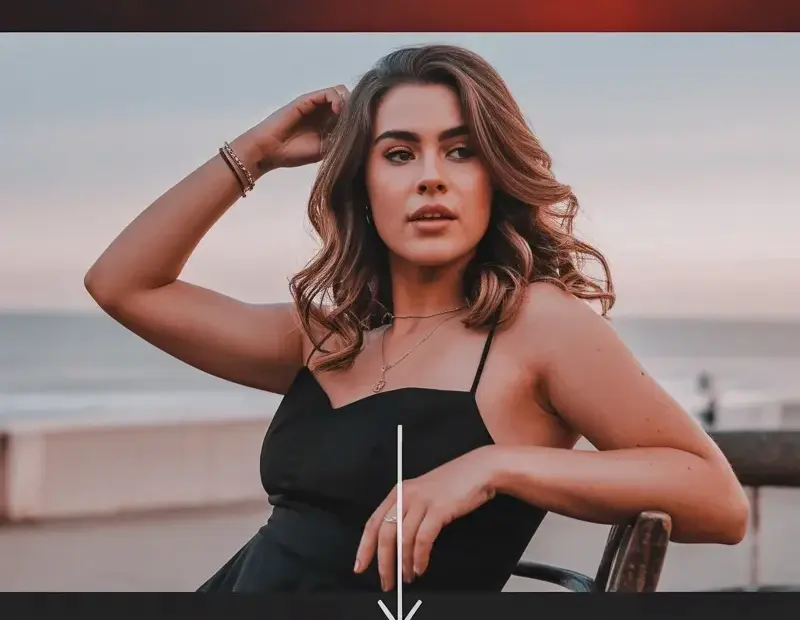
This cinematic Lightroom preset guide shows exact color and light adjustments for a professional film look. Color settings: TEMP +5, TINT -20, saturation 0, vibrance 0. Light settings: exposure +0.20, shadows +60, highlights -75, contrast +45, whites +2. Ideal for consistent movie-style photo editing. Save this preset guide for your next photoshoot. #CinematicLightroom #LightroomEditing #FilmPreset #PhotoColorCorrection #PhotographyTips

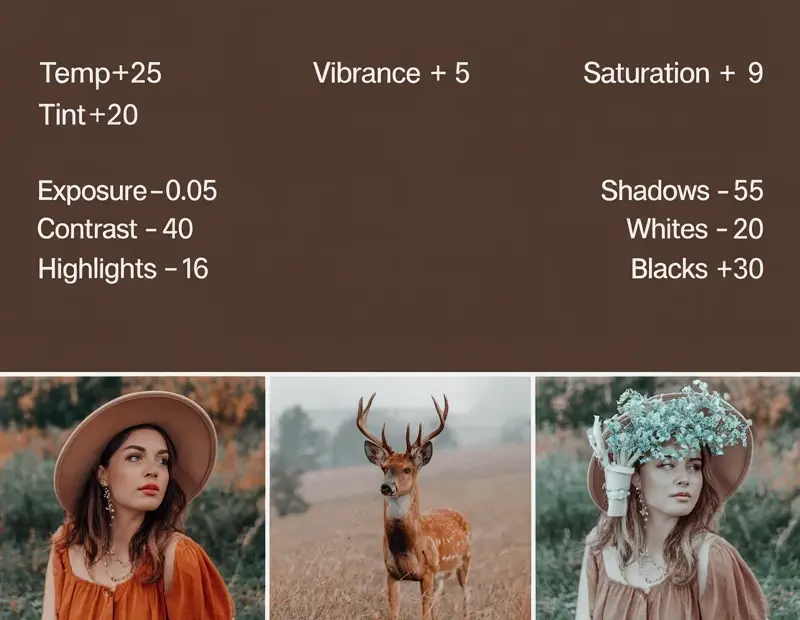
Vintage Look Lightroom Presets | Warm Film-Inspired Color Grading with TEMP+25 and TINT+20 | Retro Photo Editing

Vintage Look Lightroom Presets | Warm Film-Inspired Color Grading with TEMP+25 and TINT+20 | Retro Photo Editing

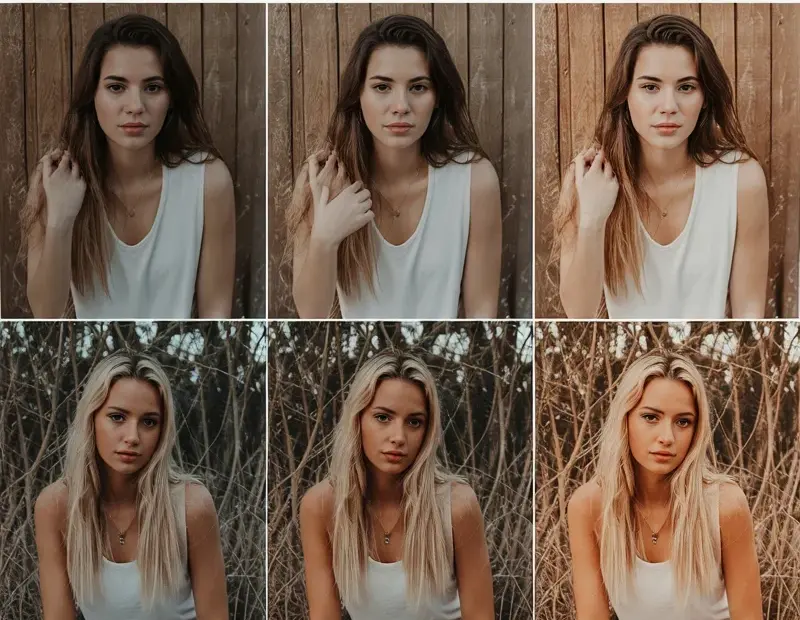
Achieve an authentic retro feel with these Vintage Look Lightroom Presets. This warm film-inspired preset uses specific settings like TEMP+25, TINT+20, and CONTRAST -40 to recreate natural film tones. Perfect for giving your digital photos that classic vintage color grading. Try this preset for your next shoot. #VintageLook #LightroomPresets #FilmPresets #WarmTones #RetroPhotography

Blurry Face Edit | Save Unwanted Photos in Lightroom | Sports, Casual & Streetwear

Blurry Face Edit | Save Unwanted Photos in Lightroom | Sports, Casual & Streetwear

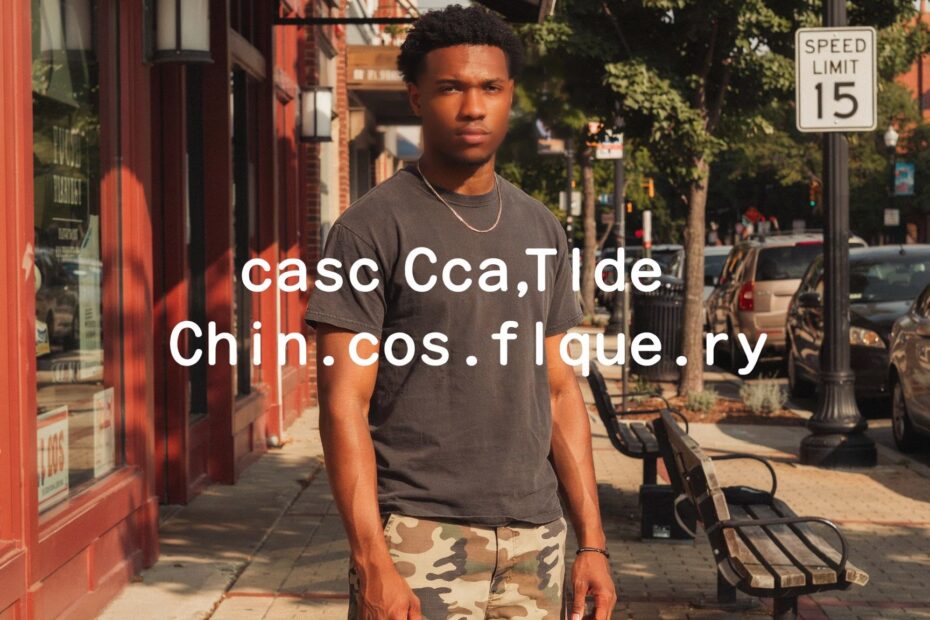
Stop deleting your pics—this blurry face edit in Lightroom works perfectly for sports, casual candids, and streetwear shots. Mask the subject, reduce clarity, and add motion blur to create a cool save. Drop ‘blur’ in the comments for my exact preset settings. #blurryface #lightroompresets #photoediting #sportsphotography #streetwearphotography

Blurry Face Edit | Save Unwanted Photos with This Blur Effect | Sports, Casual & Streetwear

Blurry Face Edit | Save Unwanted Photos with This Blur Effect | Sports, Casual & Streetwear

This blurry face edit is the perfect Lightroom preset trick to rescue photos where someone blinked or moved. It works for sports action shots, casual group pics, and streetwear portraits. Apply smooth motion blur or Gaussian blur to hide imperfections while keeping the rest sharp. Want my exact settings? Comment ‘blur’. #blurryfaceedit #lightroompreset #phototips #blureffect #streetwearphotography

Blurry Face Edit Lightroom Preset | Fix Blurry Photos for Sports, Casual & Streetwear

Blurry Face Edit Lightroom Preset | Fix Blurry Photos for Sports, Casual & Streetwear

This blurry face edit lightroom preset transforms unwanted motion blur into a creative effect. Perfect for saving sports action shots, casual portraits, and streetwear fashion photos. The subtle blur adds artistic depth while keeping the subject recognizable. Comment BLUR for my exact settings. #blurryfac #lightroompreset #blurryphoto #photoediting #streetwearphotography