Skip to content
Photoshop Tool That Works Like Magic for Selfie Editing

Photoshop Tool That Works Like Magic for Selfie Editing

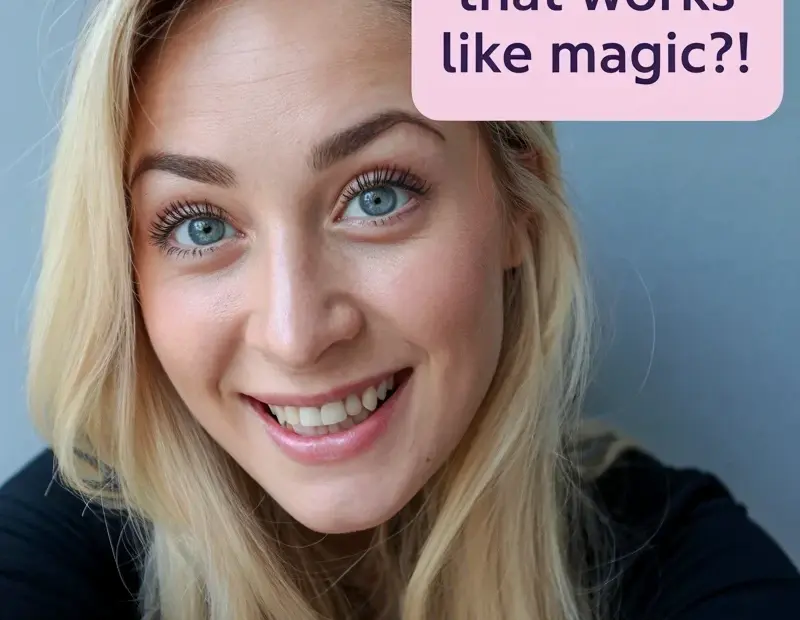
Okay so this Photoshop tool is actual magic for selfie editing – cleaning up backgrounds got way easier with this trick. That blue backdrop in my pic? Simple to fix once you know it. Want to learn? Save this for your next Photoshop session! 🎨

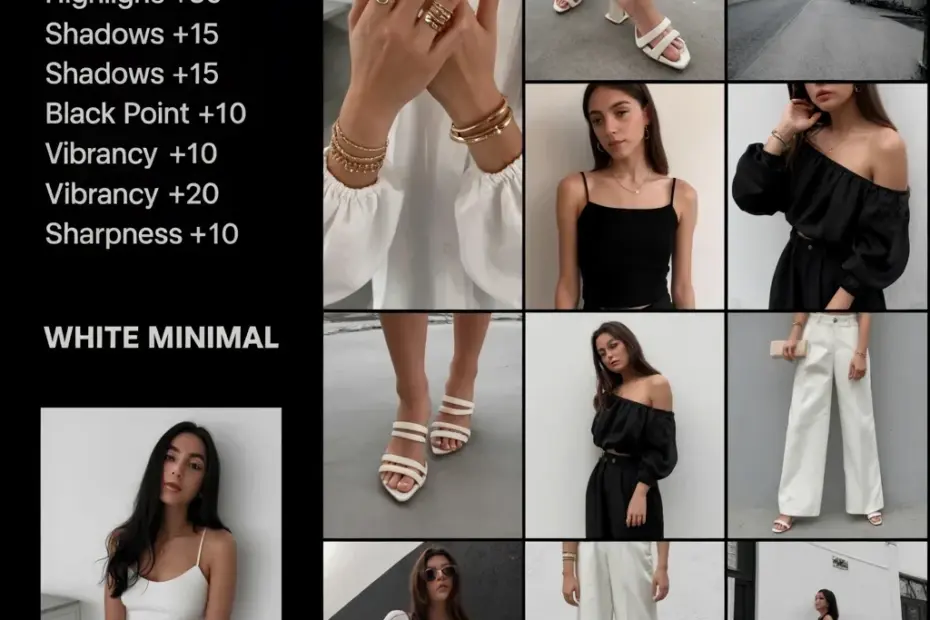
Want that dreamy white minimal filter? Here's how I do it for free 💸

Want that dreamy white minimal filter? Here’s how I do it for free 💸

I love the white minimal filter aesthetic but buying presets adds up fast. So I figured out how to recreate it in Lightroom for free – just adjust exposure up a bit, drop contrast, and tweak the whites. It’s super easy and saves you money! Try it on your next photo. 📸 #whiteminimalfilter #lightroomfreetips #budgetphotography #minimalstyle #phototips

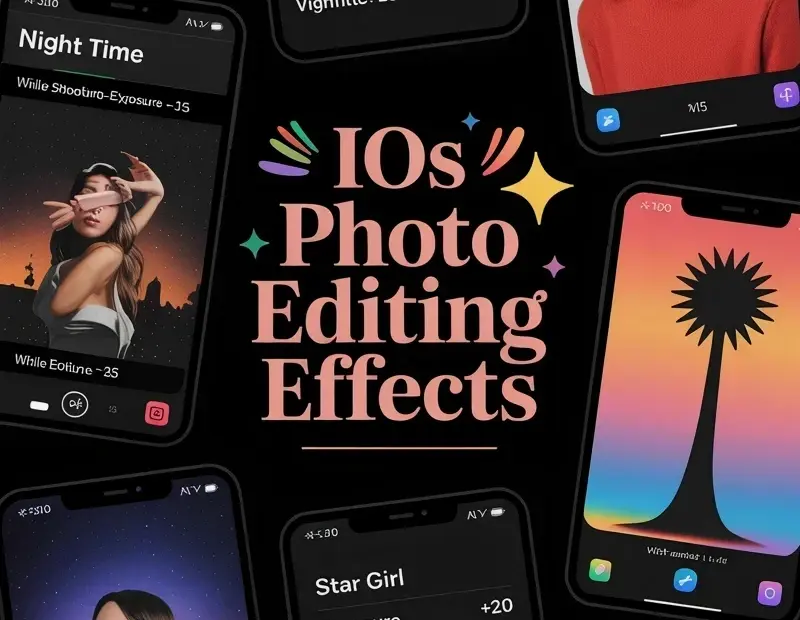
iOS photo editing effects for sun kissed & night time looks 📱

iOS photo editing effects for sun kissed & night time looks 📱

Just found these iOS photo editing effects in my camera roll settings! The sun kissed preset uses contrast +15, brightness -10, saturation +15 — perfect for that warm glow. And the night time setting with low exposure creates moody vibes. Quick how-to for your next photo edit 🎨 Save this for later!

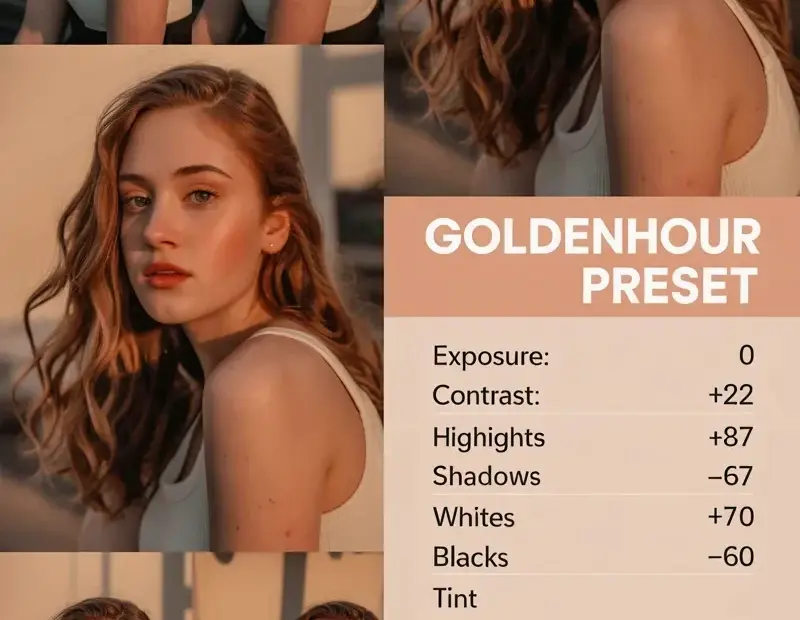
Avoid This Golden Hour Photo Preset Mistake for Natural Warmth

Avoid This Golden Hour Photo Preset Mistake for Natural Warmth

Using a golden hour preset straight out of the box can wreck your portraits if the original lighting doesn’t match. I made that mistake too many times with warm filters! 😅 The key is to tweak exposure and white balance slightly to keep skin tones natural. This preset works great but only after small adjustments. Save this tip for your next shoot! #goldenhourpreset #portraitphotography #phototips #goldenhouredit #photoeditingmistakes